Indie hacker workflow — OpenClaw automated boilerplate for mass-producing web micro-apps locally
Indie hackers do not fail because ideas are scarce—they fail because idea number seventeen never gets a smoke test. OpenClaw is useful here not as a chat toy but as an automated boilerplate factory: repeatable prompts, skills, and shell actions that scaffold the same Next.js/Vite micro-app skeleton, run the same npm test gate, and archive pass/fail in a spreadsheet finance can ignore. This workflow keeps mass production and testing on your local machine first; a remote Mac rental is an optional lane for overnight batches, not the hero of the story.
If you already run OpenClaw on Apple Silicon, pair this with hour-zero install discipline, rate limits before webhooks go loud, and Git disk hygiene when repos multiply. Local LLM experiments can use OpenClaw + Ollama coupling to avoid token spend during boilerplate-only iterations.
Disclosure: This article mentions KvmZone only where a rented Mac host is optional for long-running batch jobs. Most of the workflow runs on hardware you already own.
Why local-first mass production beats “one perfect app”
| Pain | Local-first OpenClaw response |
|---|---|
| Template drift | One skill emits the same folder layout every time |
| Fear of shipping | Batch smoke reduces each idea to a 15-minute gate |
| API bill shock | Boilerplate passes use local or cheap models; frontier models only on promotion |
| Repo sprawl | Worktrees + sparse checkout keep disk predictable |
Upstream operator docs live at OpenClaw gateway configuration examples; verify skill and CLI flags against your installed version.
Architecture: boilerplate loop on one workstation
Data flow for the indie loop:
Idea CSV → OpenClaw skill (scaffold) → git worktree → npm ci → npm run build → npm test → PASS/FAIL rowComponents you pin once
| Component | Path / command | Role |
|---|---|---|
| Workspace | ~/.openclaw/workspace | Skills and agent defaults |
| Boilerplate skill | skills/micro-app-scaffold/ (your repo) | Emits package.json, src/, README.md |
| Batch driver | ~/indie-batch/run.sh | Iterates ideas; never run as root |
| Artifact root | ~/indie-apps/ | One directory per slug; worktrees underneath |
| Smoke log | ~/indie-apps/smoke.csv | Timestamp, slug, exit code, log path |
Model routing (keep spend boring)
| Phase | Model lane | Why |
|---|---|---|
| Scaffold + file edits | Local Ollama or fast cloud mini model | High iteration count |
| UI copy polish | Frontier model | Low frequency |
| Production webhook agents | Frontier + rate limits | See budget alert article |
Six-step mass-produce runbook (local machine)
Step 1 — Pin Node and OpenClaw
node -v    # expect 22.x
openclaw --version
openclaw doctor
Fix PATH issues before batching—see hour-zero contract.
Step 2 — Create the idea queue
~/indie-apps/ideas.csv:
slug,title,stack
ping-dashboard,Ping Dashboard,vite-react
waitlist-mini,Waitlist Mini,next-14
Step 3 — Scaffold with OpenClaw (one skill, many slugs)
Example non-interactive invocation pattern (adjust to your CLI):
export IDEA_SLUG=ping-dashboard
openclaw run --skill micro-app-scaffold --var slug=$IDEA_SLUG --var stack=vite-react
Pass gate: ~/indie-apps/$IDEA_SLUG/package.json exists and names match CSV.
Step 4 — Isolate with git worktree
cd ~/indie-apps/monorepo.git
git worktree add ../wt-$IDEA_SLUG -b indie/$IDEA_SLUG
rsync -a ~/indie-apps/$IDEA_SLUG/ ../wt-$IDEA_SLUG/
Pass gate: git -C ../wt-$IDEA_SLUG status clean except intentional files.
Step 5 — Batch install and build
cd ~/indie-apps/wt-$IDEA_SLUG
npm ci --prefer-offline
npm run build
Pass gate: dist/ or .next/ exists; build exit 0.
Step 6 — Batch test and record
npm test -- --passWithNoTests 2>&1 | tee ~/indie-apps/logs/$IDEA_SLUG.test.log
echo "$(date -Iseconds),$IDEA_SLUG,$?,$PWD" >> ~/indie-apps/smoke.csv
Promotion rule: only slugs with exit 0 get a human review block on your calendar.
Batch testing matrix (what “PASS” means)
| Check | Command | PASS | FAIL action |
|---|---|---|---|
| Typecheck | npm run typecheck or tsc -b | exit 0 | OpenClaw fix-up skill once, then human |
| Unit | npm test | exit 0 | Quarantine slug in smoke.csv |
| Lint | npm run lint | exit 0 | Optional for idea stage; required before public URL |
| Dev server | timeout 30 npm run dev | HTTP 200 on / | Log port conflict; skip parallel dev servers |
| Bundle size | du -sh dist | < 5MB for micro-app pilot | Strip assets before promotion |
Run checks sequentially on 8GB+ free RAM laptops; on 16GB Apple Silicon, cap two parallel npm ci jobs to avoid swap thrash.
Scenario A — Laptop-only indie week
Use when: you have ≥50GB free APFS and no webhook exposure.
- Day 1: Steps 1–3 for five slugs.
- Day 2: Steps 4–6 for all five; promote one slug.
- Day 3: Frontier model only on the promoted slug’s landing copy.
Recommended path: Stay local until smoke.csv shows three consecutive passes for the same stack template.
Scenario B — Optional rented Mac for overnight batch
Use when: local machine sleeps or you need six parallel npm ci lanes.
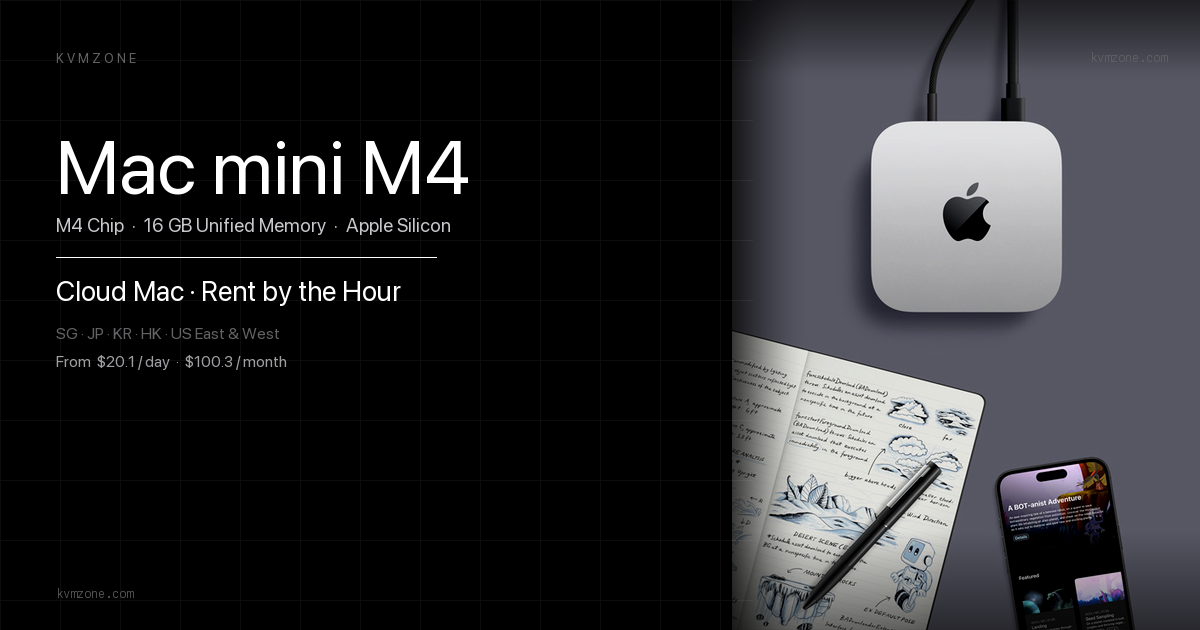
A rented Mac mini M4 with 16GB is an OPEX swap for electricity and sleep— not a requirement for the workflow. If you rent, reuse SSH-first ops and keep secrets on the server; do not re-teach OpenClaw install in this article.
Troubleshooting
openclaw run succeeds but folder empty
Pattern: Skill exits 0; no files.
Fix:
- Confirm skill writes to
workspacepath in config, not repo CWD. - Run interactively once with verbose logging; capture path in skill README.
- Pin skill version—auto-updates break paths silently.
npm ci OOM or kill during batch
Pattern: Killed: 9 or swap storm.
Fix:
- Drop parallel jobs to 1.
- Use
npm ci --omit=devfor smoke-only (document deviation in CSV). - Move batch to a machine with 16GB+ unified memory.
FAQ
stack in ideas.csv; keep smoke commands stack-specific in a second column if needed.Related reading
- OpenClaw hour-zero install
- Rate limits and budget alerts
- Git shallow/sparse disk matrix
- OpenClaw + Ollama on local M4
- Remote Mac SSH workflow
- Claude Opus 4.8 honest code review — batch SKU promotion gate
- OpenClaw + AppleScript desktop bridge — control native Mac apps
Need overnight batch width on a Mac?
Most of this workflow runs on your own Mac. If you need parallel overnight builds, compare regions on pricing and pair SSH-first ops with the six-step loop above.